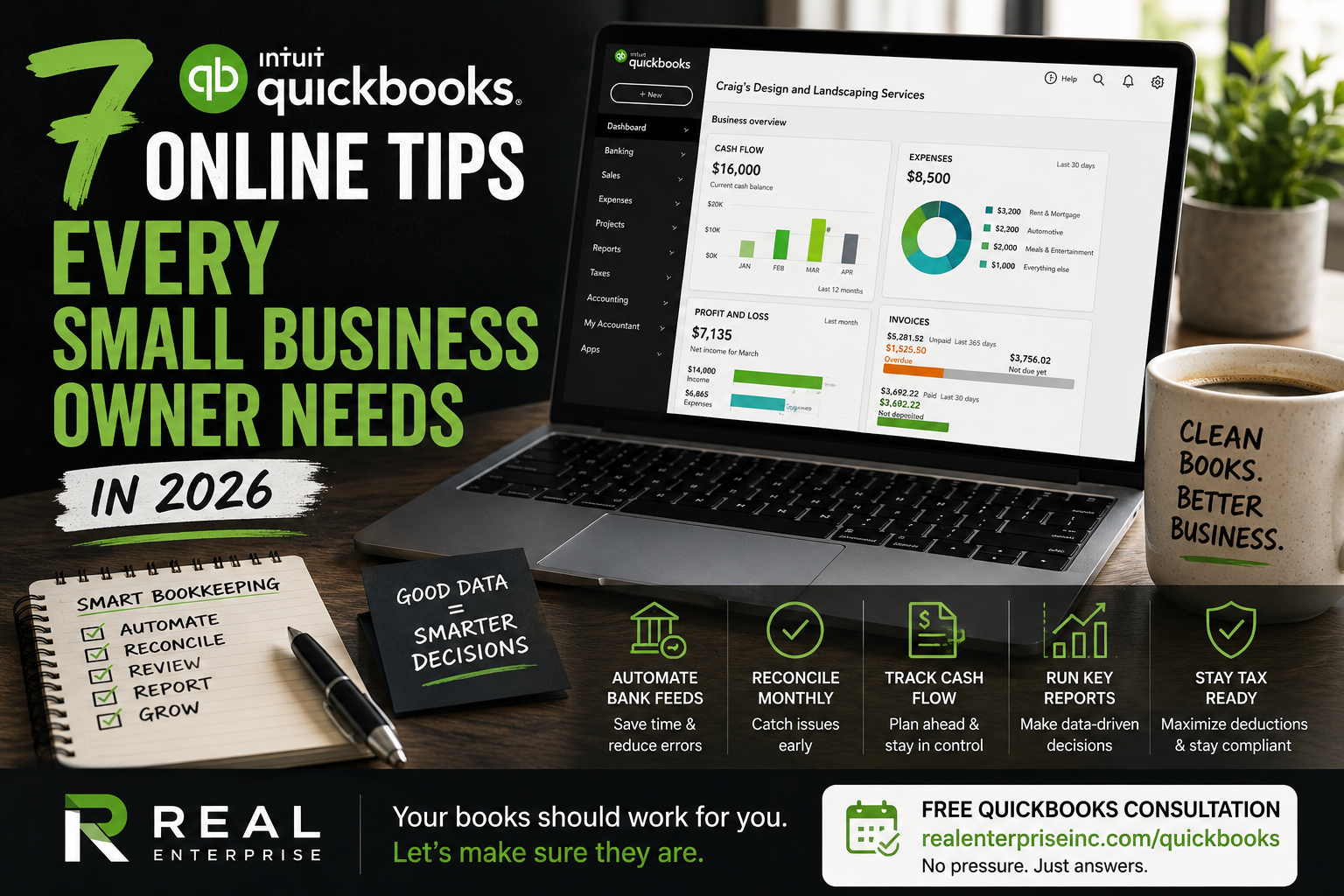
The average small business owner spends 10+ hours a month on bookkeeping tasks that QuickBooks Online can automate in minutes. Meanwhile, messy books quietly cost them at tax time — missed deductions, unreconciled accounts, and no clean audit trail. If you're still manually entering transactions or ignoring your reconciliation tab, this post is for you.
The most common mistake small business owners make in QuickBooks Online isn't using the wrong plan — it's using the right plan wrong. They connect their bank feed but never review categorizations. They send invoices but never run an Aged Receivables report to see who owes them money. QuickBooks applies accounting rules automatically, but it still needs a human to review, adjust, and close the books each month. The software is only as accurate as the attention you give it.
Start with bank feed rules. In QuickBooks Online, go to Banking → Rules and create automatic categorization rules for your most frequent transactions — your monthly software subscriptions, fuel purchases, or vendor payments. This single step can cut your monthly transaction review time in half and dramatically reduces miscategorizations that throw off your Profit & Loss report. Consistent categories mean cleaner books and more accurate tax deductions come year-end.
Next, use the Reconciliation feature every single month — not just before tax season. Reconciling in QuickBooks Online matches your bank and credit card statements against your recorded transactions, and it catches duplicate entries, missed expenses, and potential fraud early. A business that reconciles monthly has a clean audit trail, which matters enormously if you're ever audited by the IRS or need to apply for a small business loan. Skipping even one month creates a compounding backlog that gets expensive to clean up.
Clean books in QuickBooks Online do more than satisfy your accountant — they directly protect your tax position. When your expense categories are accurate and your accounts are reconciled, your tax preparer can identify deductions your sloppy spreadsheet would have buried. QuickBooks also tracks cash flow trends over time, so you can spot slow seasons and make smarter decisions about estimated quarterly tax payments before the IRS does it for you. The connection between good bookkeeping and lower tax liability is direct and measurable.
If you're not sure whether your QuickBooks setup is actually working for your business, a one-on-one consultation with a certified ProAdvisor can save you significantly more than it costs. A second set of trained eyes can spot miscategorized expenses, identify missing deductions, and make sure your chart of accounts is built for your specific industry. You can book a free consultation at [https://www.realenterpriseinc.com/quickbooks](https://www.realenterpriseinc.com/quickbooks) — no pressure, just a real conversation about whether your books are set up to support your growth.
Sources
- QuickBooks for Small Business 2026: What Works & What Doesn't
- QuickBooks Online Review and Pricing in 2026
- Intuit QuickBooks Accounting Software Review 2026
- QuickBooks®: Official Site | Smart Tools. Better Business.
- QuickBooks Live Experts - Intuit
- Learn about the QuickBooks Live Bookkeeping service - Intuit